Sidebar
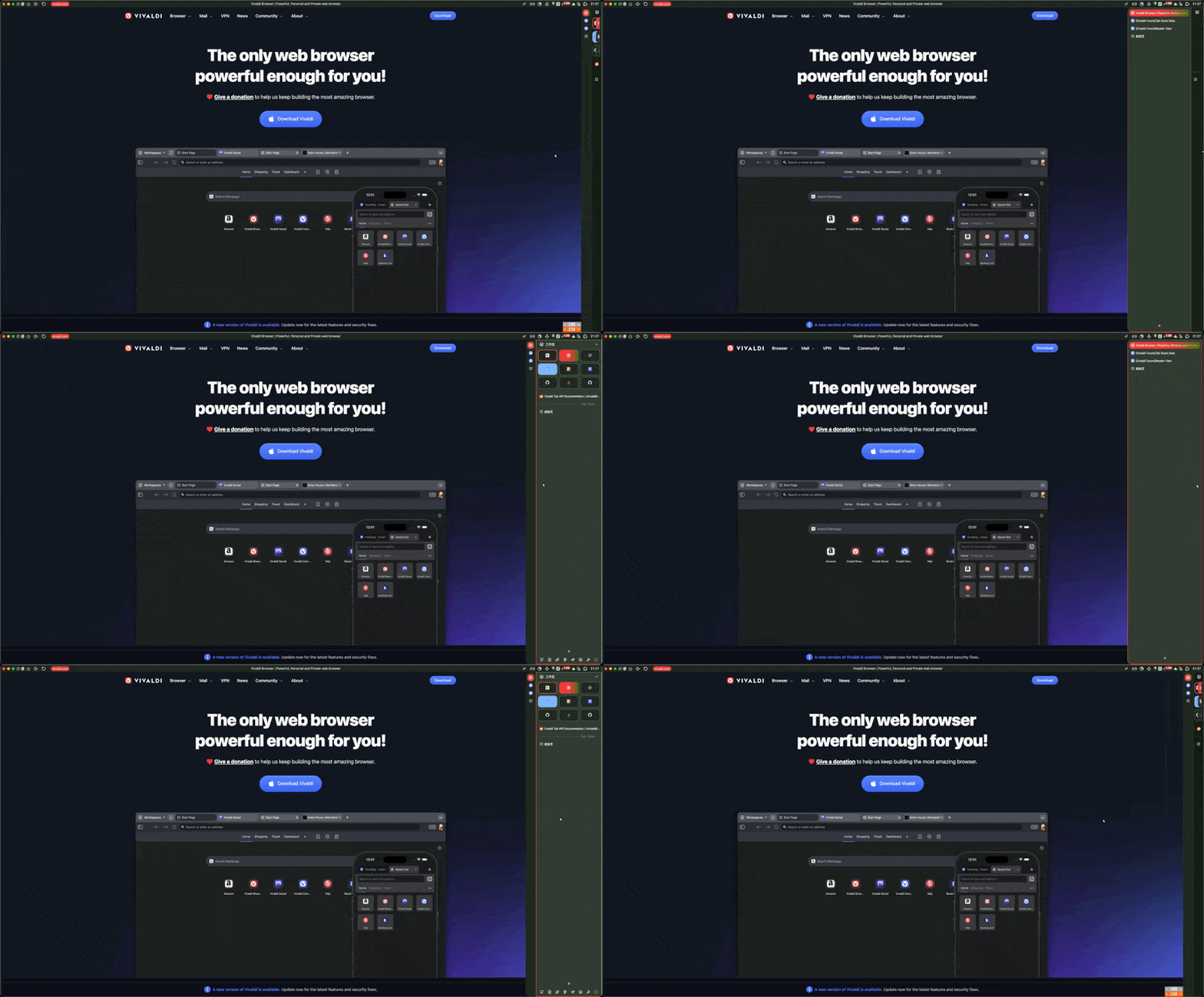
Base Layout Required
Core styling: Mac headers, scrollbars, toolbar fixes. Enable "Auto-Hide Tabbar" separately for sidebar auto-hide.
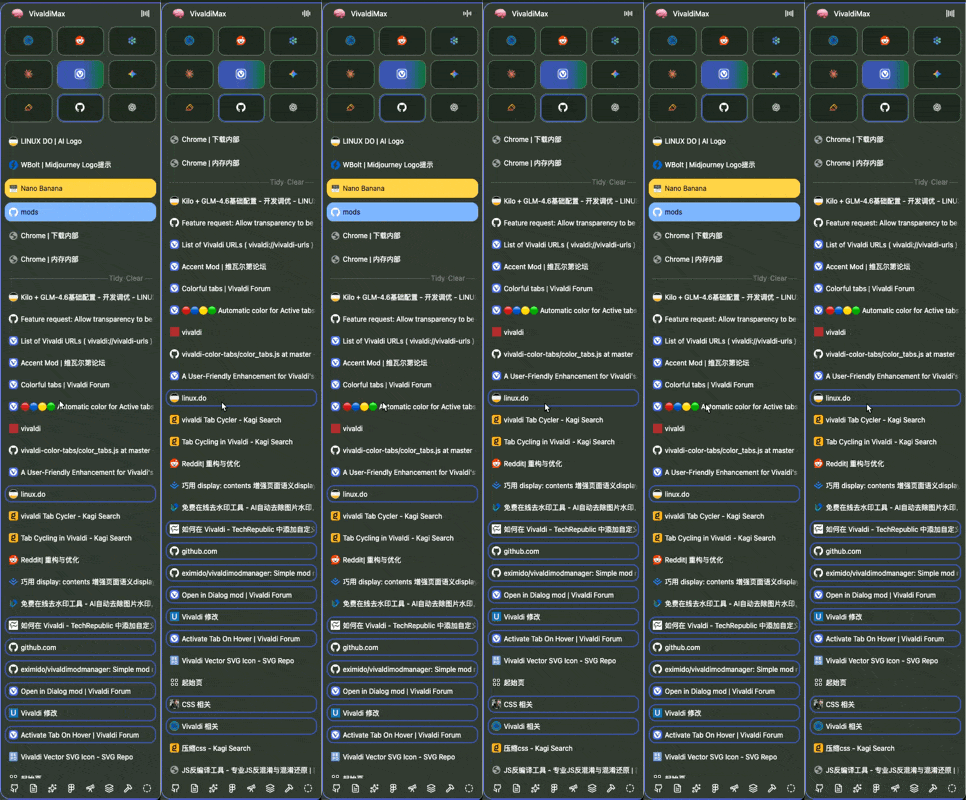
Favourite Tabs Grid
Display first 6 pinned tabs as a 2-column icon grid. Hover to expand and see titles.
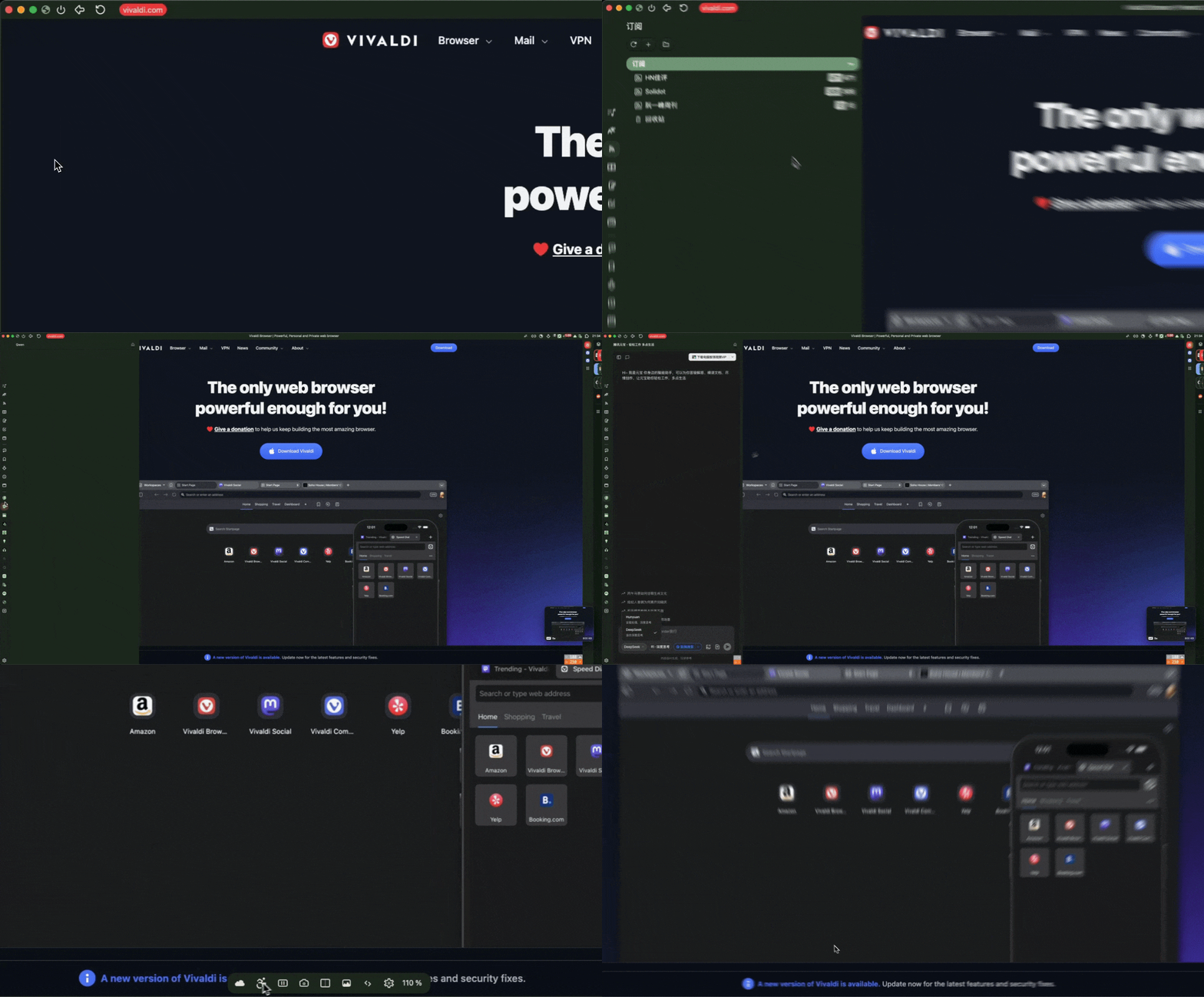
Auto-Hide Panel 7.8 Conflict ⚡
Collapse side panel to zero width when not hovered. Expands on hover or focus.
Workspace quick-switch buttons
Workspace Buttons Styling
Hover effects and sizing for workspace quick-switch buttons in sidebar.
Polish for Vivaldi 7.8+ native auto-hide
Native Auto-Hide Polish 7.8+
Rounded corners and transparency fixes for Vivaldi's built-in auto-hide feature.
Collapsible toolbar row
Toolbar Auto-Hide
Collapsible toolbar row in sidebar. URL bar + toolbar buttons collapse when not hovered.
CSS for JS workspace buttons
Workspace Buttons JS Styling JS
CSS styles for the workspaceButtons.js mod - quick workspace switching.
Tabs
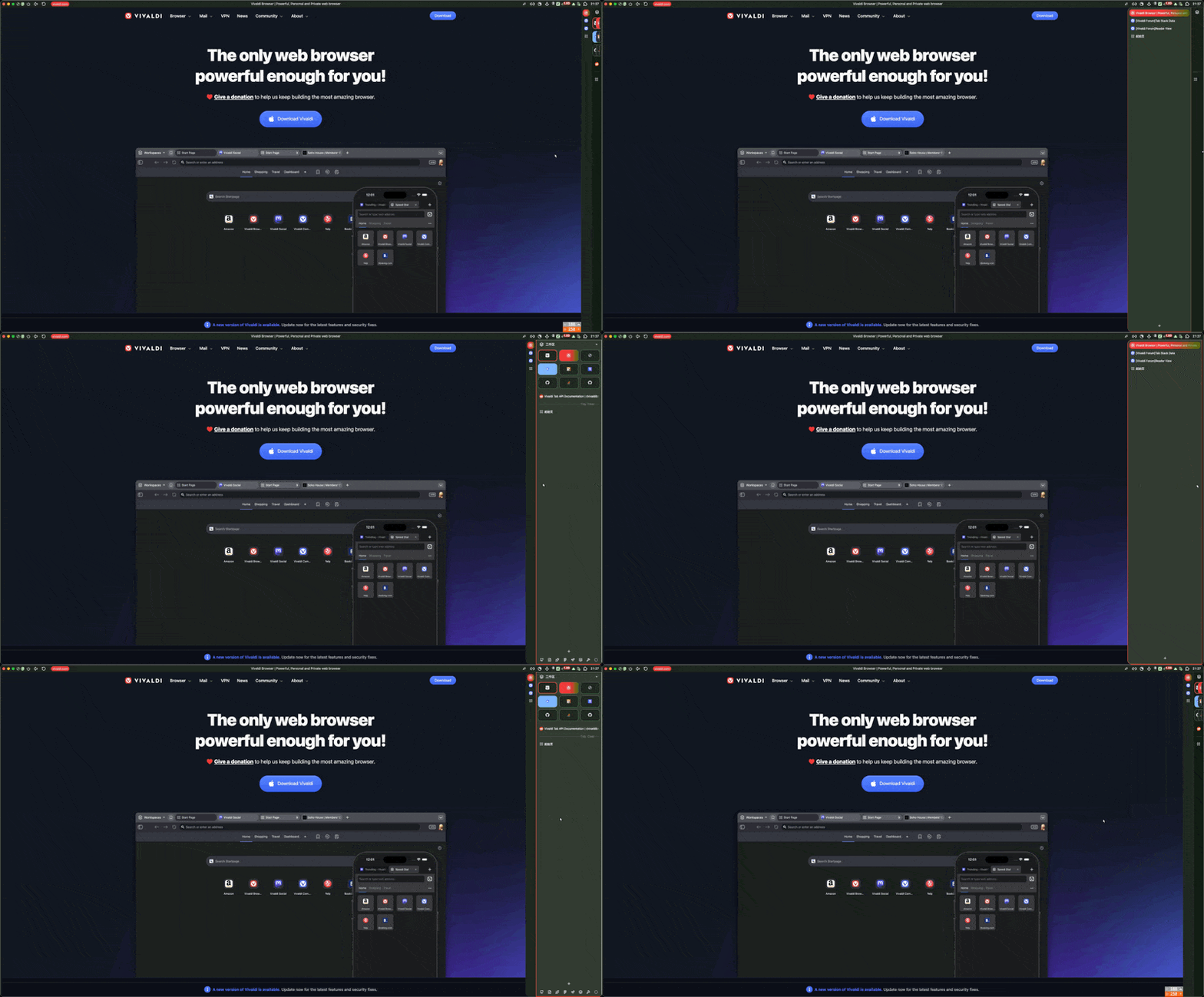
Auto-Hide Tabbar 7.8 Conflict
Collapse sidebar to ~44px (favicons only) when not hovered. Full width on hover.
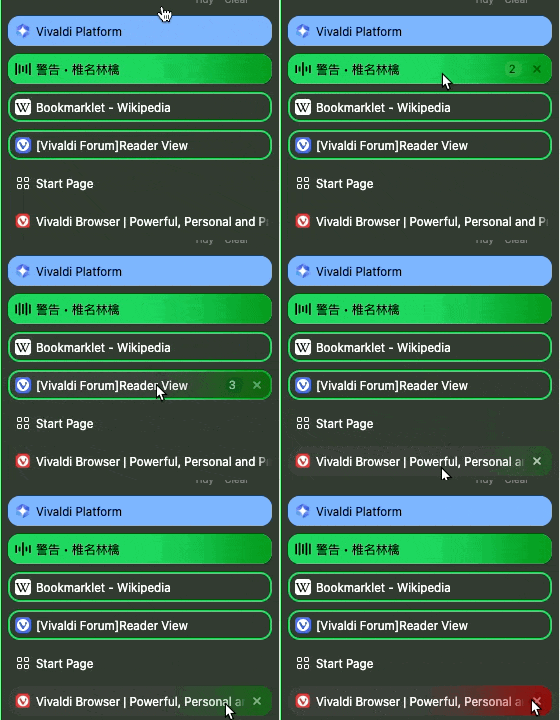
Tab Trails
Animated color trails on tab hover and close buttons. Adds visual flair to interactions.

Quietify Audio Icon
Replaces speaker icon with animated equalizer bars when audio is playing.
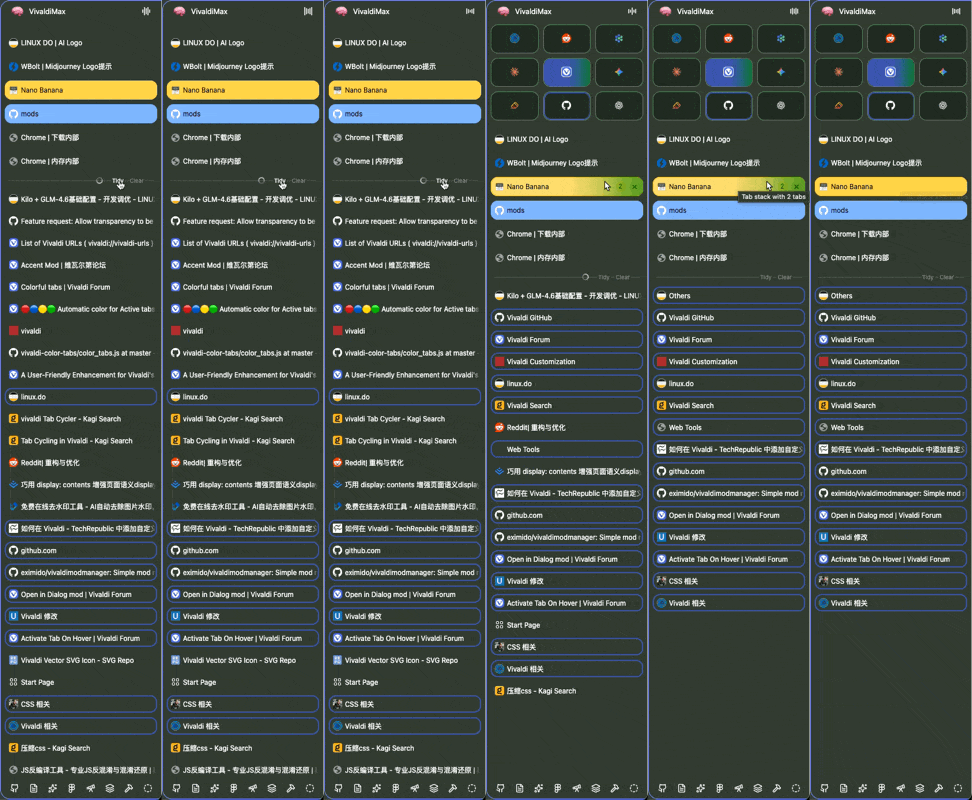
Tidy Tabs AI-Powered JS Disabled
Auto-organize tabs into named stacks using AI. CSS only - enable tidyTabs.js manually to use.
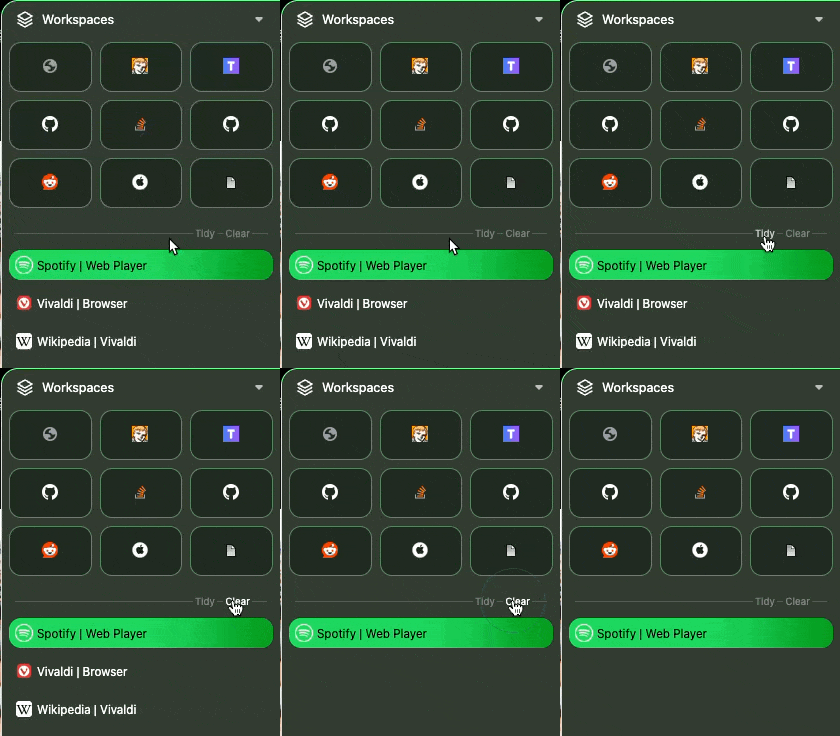
Clear Tabs JS JS Disabled
One-click button to close unpinned tabs. CSS only - enable cleartabs.js manually to use.
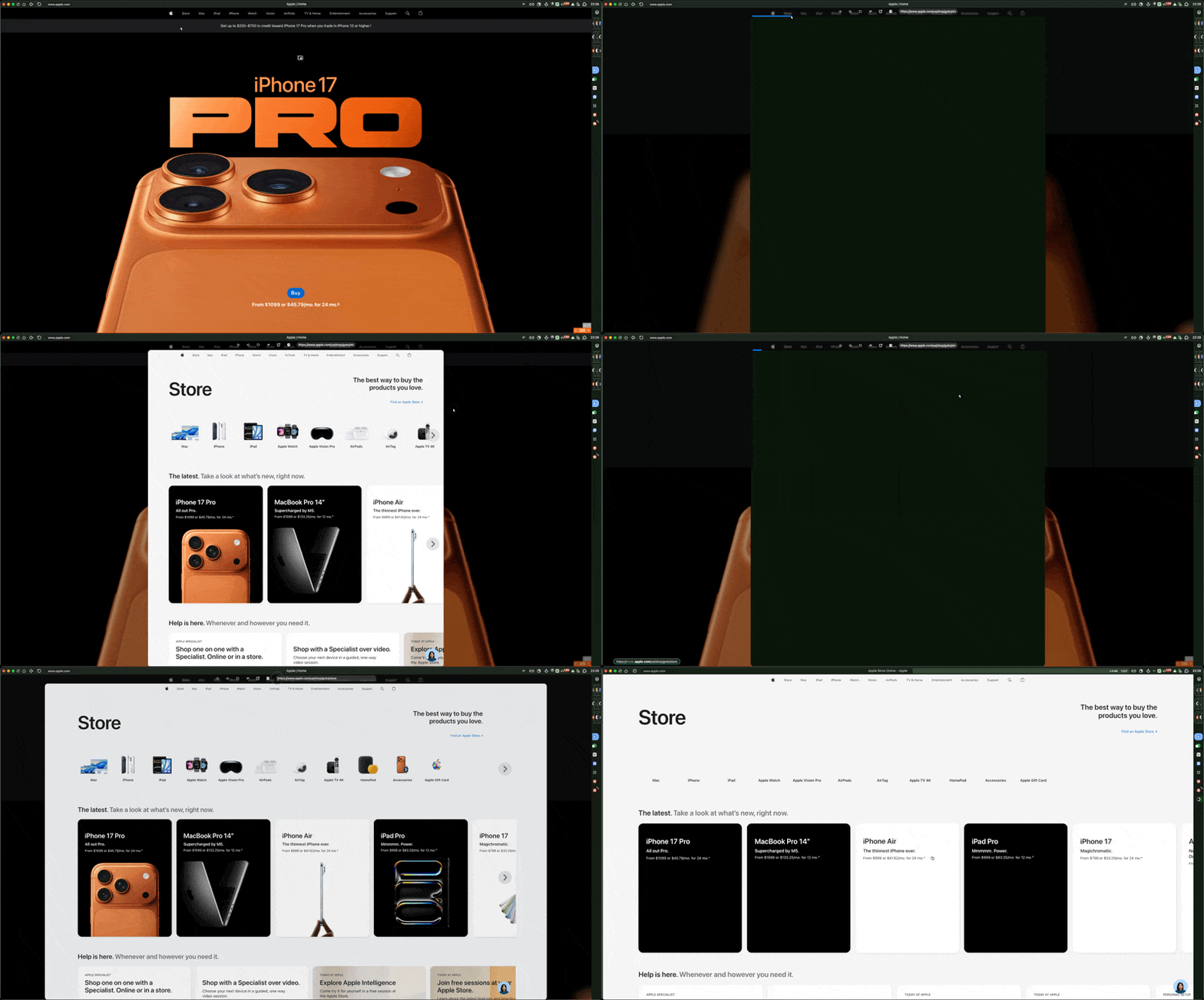
Arc Peek JS
Preview tabs on hover like Arc browser
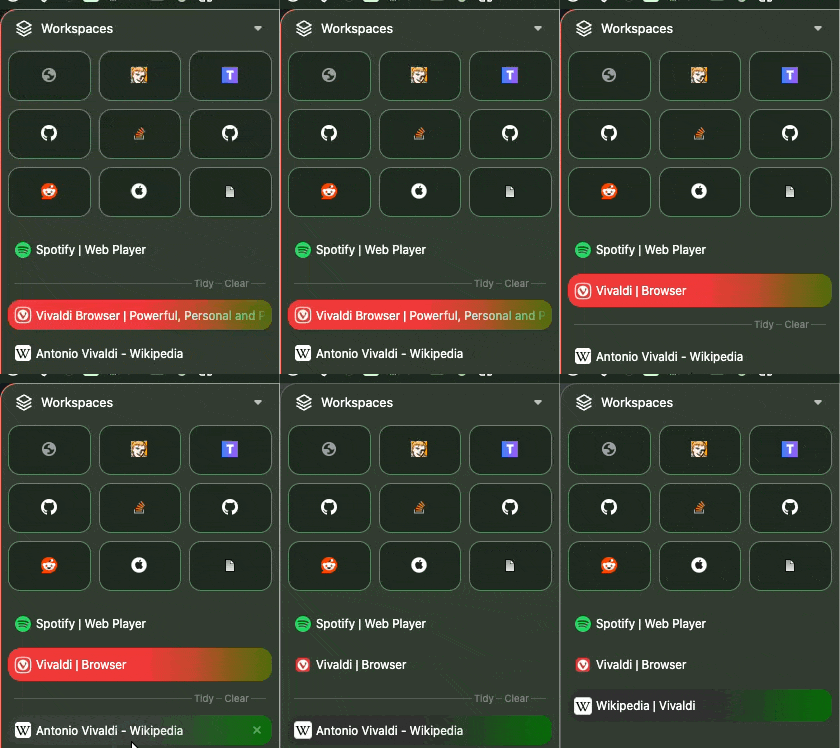
Tidy Titles AI-Powered Disabled
Cleans up long, messy tab titles using AI. Makes sidebar more readable.
No preview available
Color Tabs JS Disabled
Extracts dominant color from favicon and applies it as border to first 9 pinned tabs.
No preview available
Dialog Tab JS Disabled
Open links or search results in a floating dialog popup instead of new tabs.
Quick workspace switching
Workspace Buttons JS
Adds workspace quick-switch buttons below tabbar. Click to switch workspaces instantly.
Arc/Zen-style media controls
Tab Panel Media Controls JS Disabled
Arc/Zen-style floating media controls in the tab panel. Shows when media is playing with play/pause, mute, and tab switching.
Backup workspace rules
Workspace Rules Backup JS
Import/export Vivaldi's native workspace URL rules (Settings > Tabs > Workspaces). Adds buttons in bottom-right corner.
Panel & Status Bar
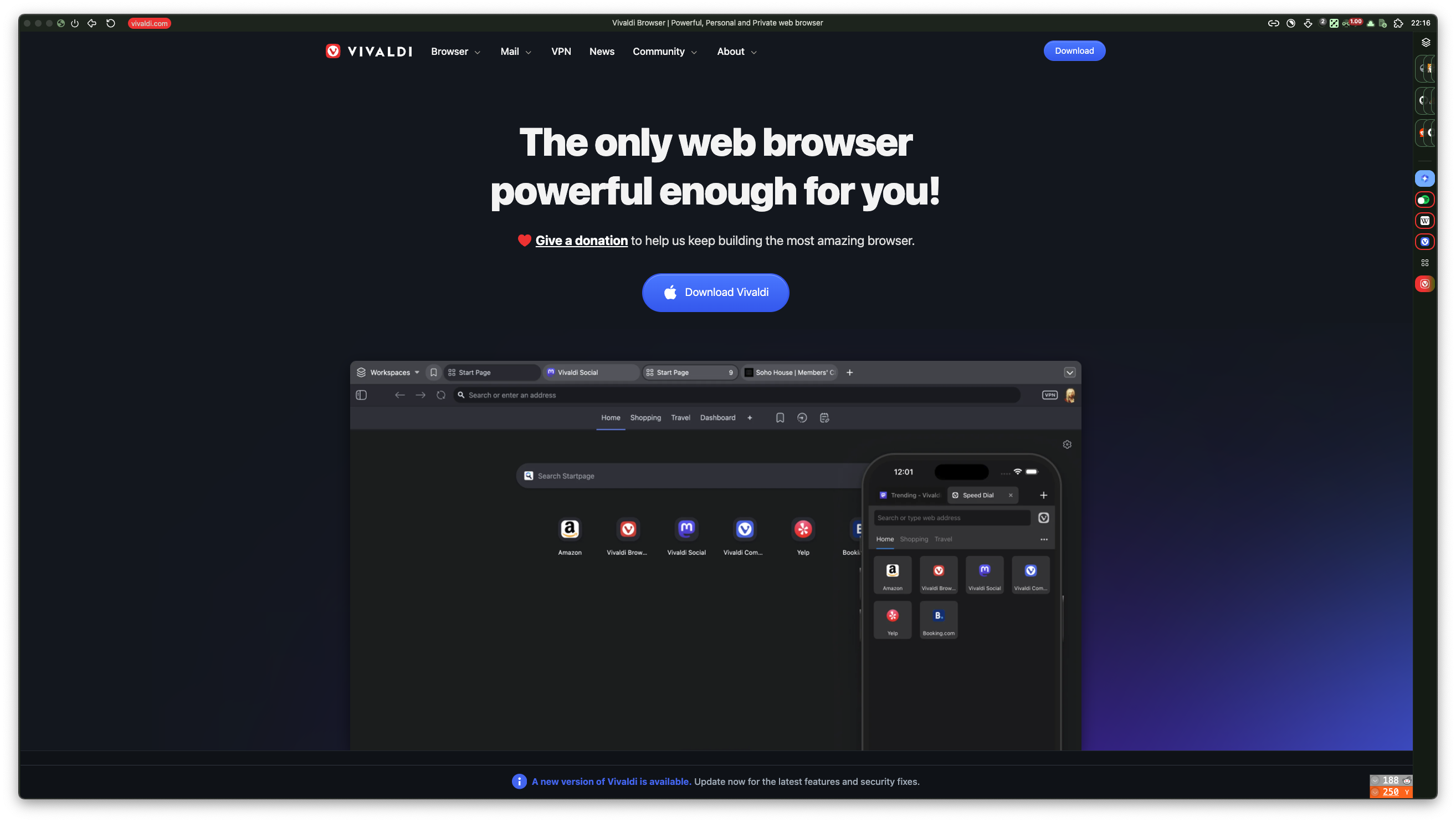
Auto-Hide Status Bar 7.8 Conflict ⚡
Hide bottom status bar for maximum content space. Shows on hover.
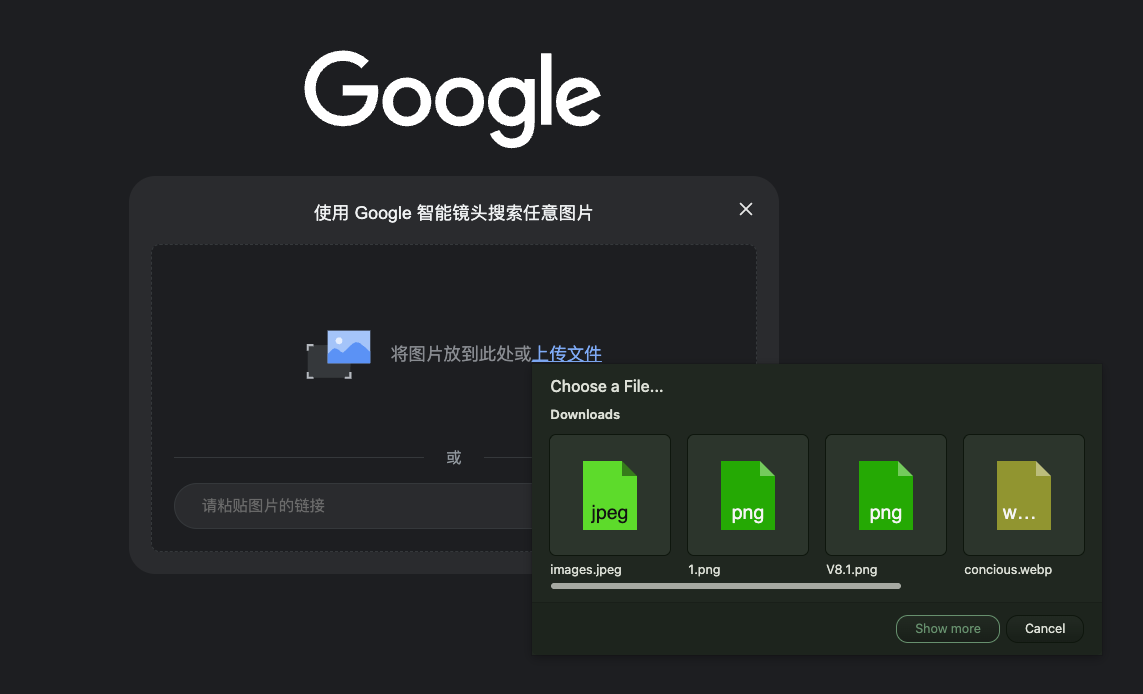
Styled Download Panel
Clean download panel design
No preview available
Styled Extensions Panel
Clean extensions panel design
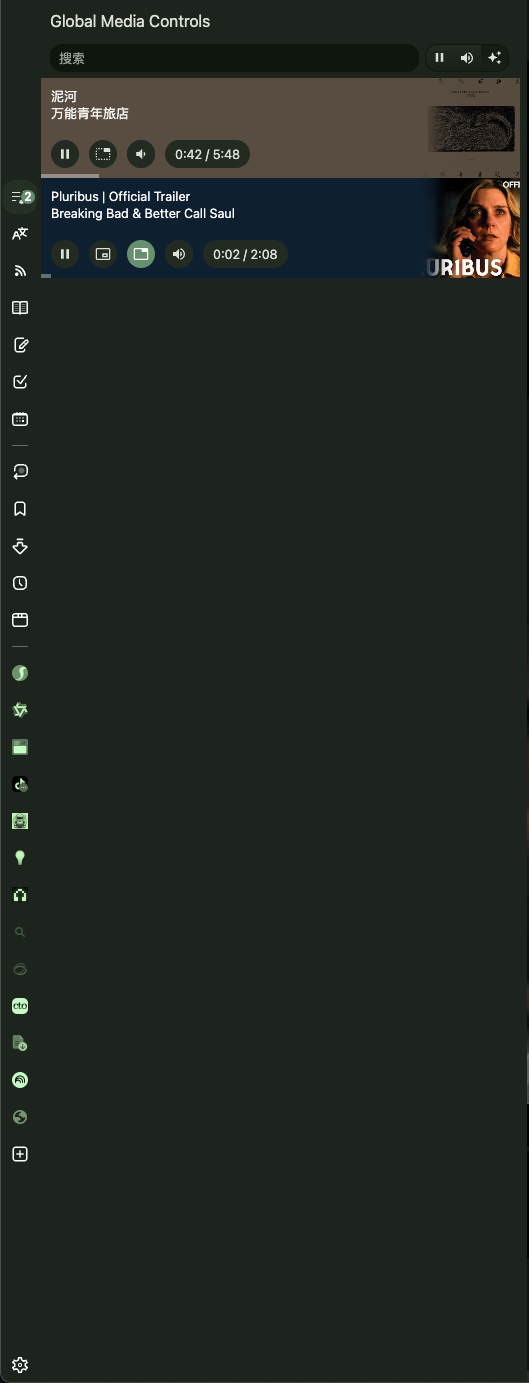
Global Media Controls JS Disabled
Unified panel to control all audio/video: play/pause, volume, PiP, per-tab controls.
No preview available
Element Capture JS
Enhanced screenshot tool: hover to highlight any element, click to capture precisely.
Easy Files JS
Opera-style file picker: shows clipboard and recent downloads when attaching files.
No preview available
Markdown Notes JS
Adds 10-button markdown toolbar to Notes panel: bold, italic, headings, lists, code, links.
Address Bar & Navigation
No preview available
Styled Address Bar
Pill-shaped address bar with clean styling. 32px height to match Zen browser.
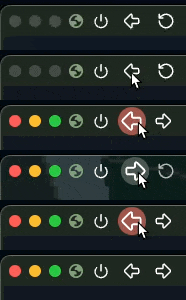
Adaptive Back/Forward 7.8 Conflict
Automatically hides Back/Forward buttons when they're disabled (no history).
No preview available
Auto-Hide Bookmark Bar 7.8 Conflict ⚡
Collapse bookmark bar to zero height. Reveals below address bar on hover.
No preview available
Styled Find Bar
Modernized Ctrl+F find bar with pill-shaped input and subtle styling.
No preview available
Styled Quick Commands
Modernized F2 command palette with cleaner visual styling.
No preview available
Feed Icon JS
Converts generic feed icons into website favicons for visual recognition.
Drag handle below address bar
Resize Address Bar JS
Drag the bottom edge of the toolbar to resize height. Double-click to reset. Persists across sessions.
Start Page
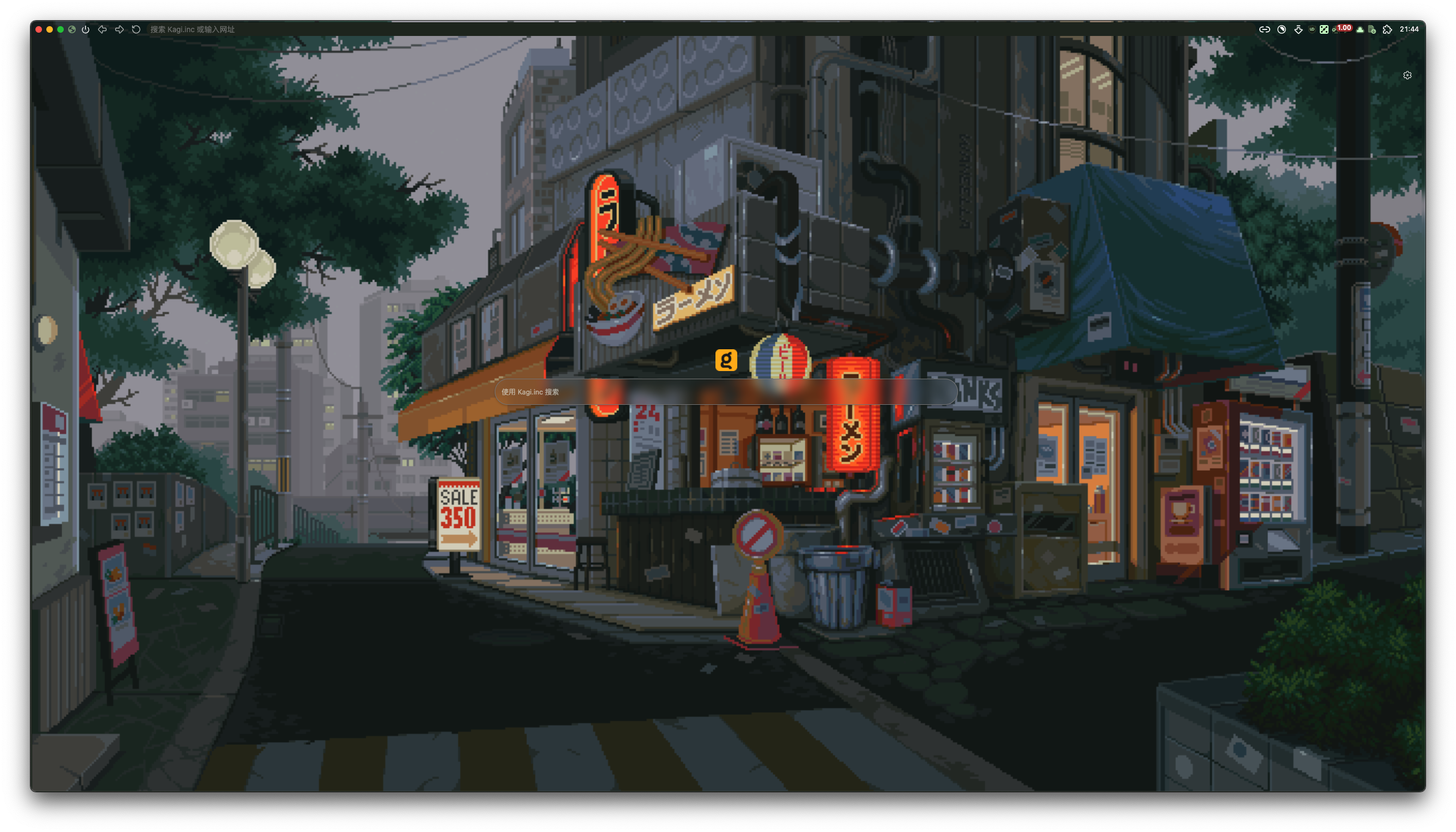
Neat Speed Dial
Minimalist new tab page: removes clutter, transparent pinned tab backgrounds.
Themes & Appearance
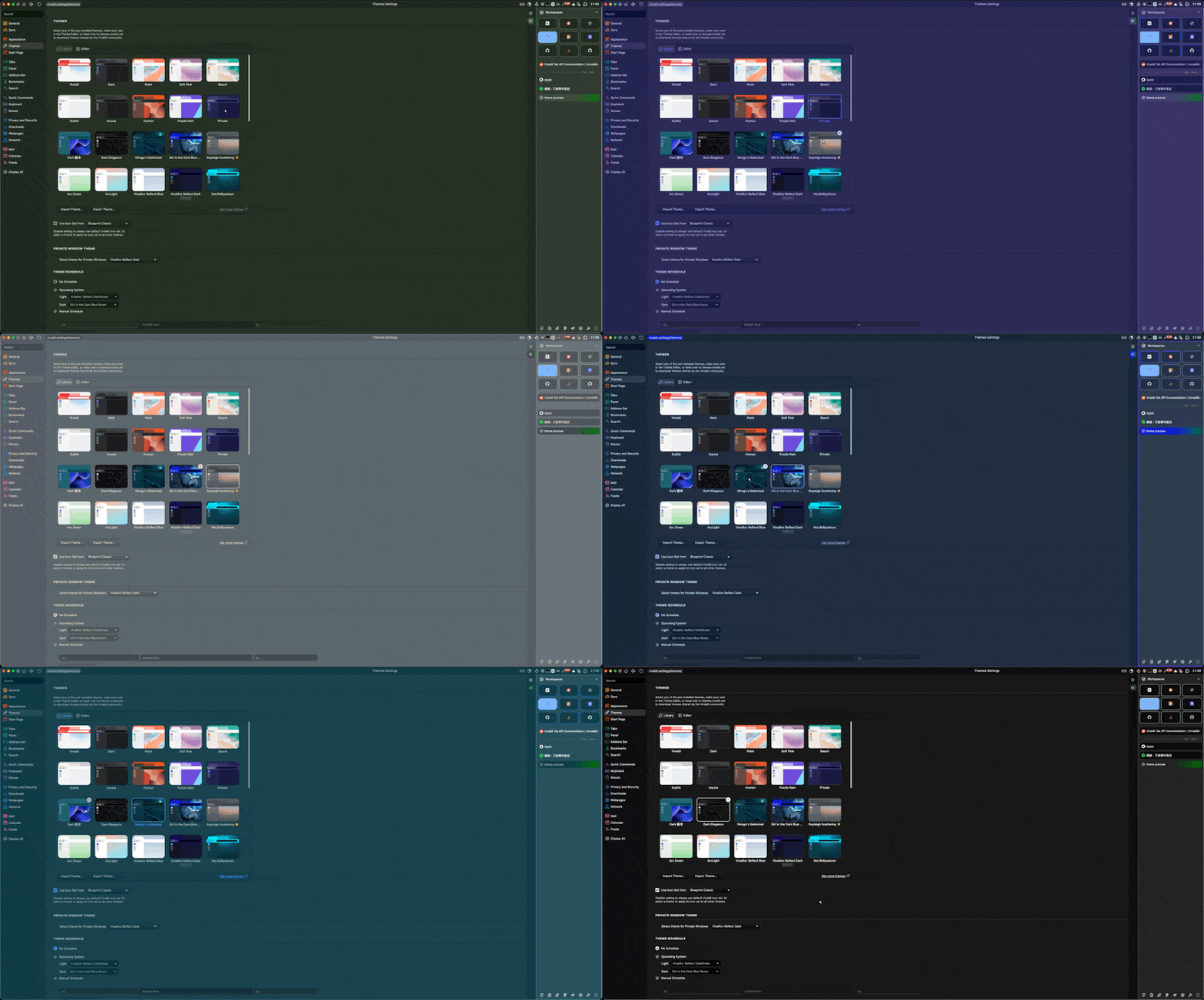
Dynamic Accent JS
Auto-adapts theme accent color based on the current page content.
No preview available
Theme Previewer
Shows realistic theme preview reflecting actual tab/panel/address bar positions.
No preview available
Button Animations
Adds smooth hover animations to toolbar buttons. Subtle but satisfying.
No preview available
Selectable Text
Makes UI text selectable. Also adds a colorful page load progress indicator.
Theme Mode
Advanced Options
Sidebar Behavior
Tabs Grid
Sizing
Pinned Tabs Grid
Sidebar Dimensions
Command Chain Flags ⚡ In-Browser Toggles
Features marked with ⚡ can be toggled on/off directly in Vivaldi without editing CSS. This uses Vivaldi's Command Chain feature as flags.
How It Works
- Go to Settings > Quick Commands > Command Chains
- Create a new Command Chain with the exact name shown below (leave it empty, no commands needed)
- Add the Command Chain's button to any toolbar (right-click toolbar > Customize)
- When the button is visible on a toolbar, that autohide feature is disabled
- Remove the button from the toolbar to re-enable autohide
Available Toggle Names
Disable Autohide Panel - Stops side panel from auto-hiding
Disable Autohide Bookmarks - Stops bookmark bar from auto-hiding
Disable Autohide StatusBar - Stops status bar from auto-hiding
Tip: The CSS uses :has(button[title*="..."]) to detect if a button with that name exists on any toolbar.
This is a pure CSS solution - no JavaScript required! Requires Vivaldi 6.6+ for :has() support.